Saved close to you
Records and photos are saved on your device. Content stored locally can be viewed offline. With iCloud enabled and the same Apple Account, records can sync between your devices when the network and service are available.

Brimyear
BRIMYEAR / BY AISPRESSO
A personal life-recording app
A breakfast, a walk, a thought from a book. Keep a little of today, then find your way back through themes and time.
iPhone · iOS 18 or later
Keep a little, whenever you feel like it.
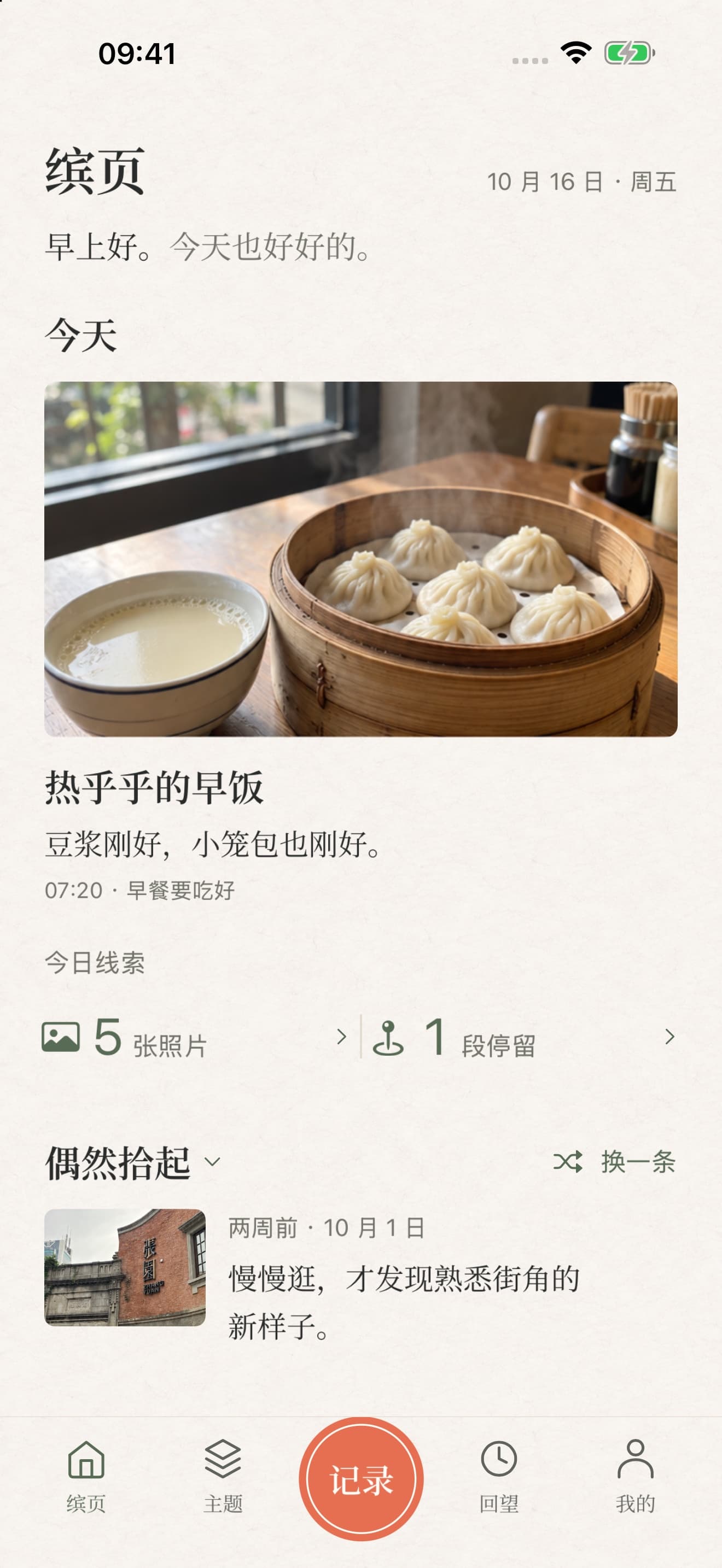
Begin with a moment from today.
A LITTLE OF EVERY DAY
Breakfast at the same table, an outfit, a few pages of a book. Leave a photo, a few words, or simply a moment in time. Let your everyday memories grow at your own pace.
01 / KEEP A MOMENT
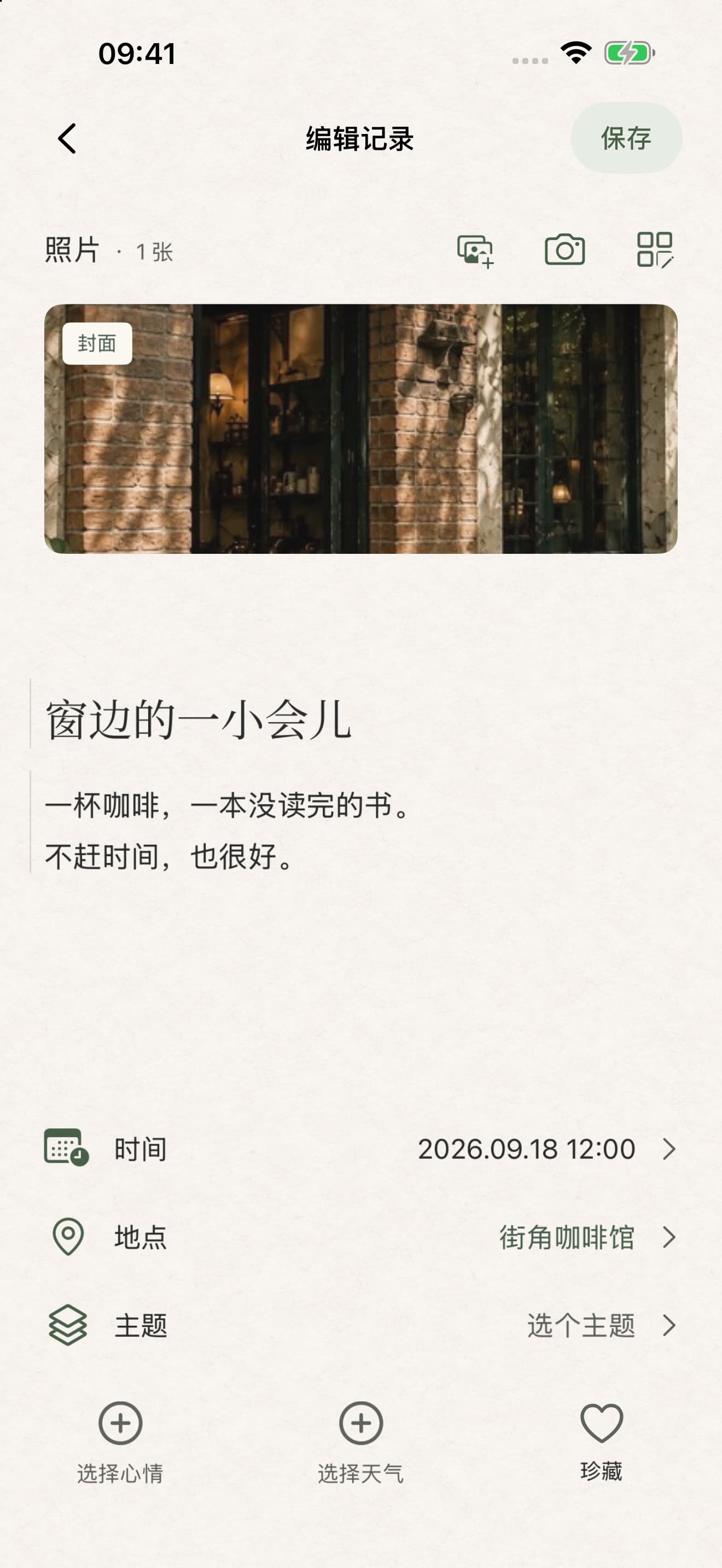
Open Brimyear to see what you have kept today. Tap Record, confirm the time, and add photos, a title, writing, a mood or the weather if you like.
Photos, writing, places and themes are optional. A moment in time can be a complete record on its own.
Save it now. Organize it later, if you like.
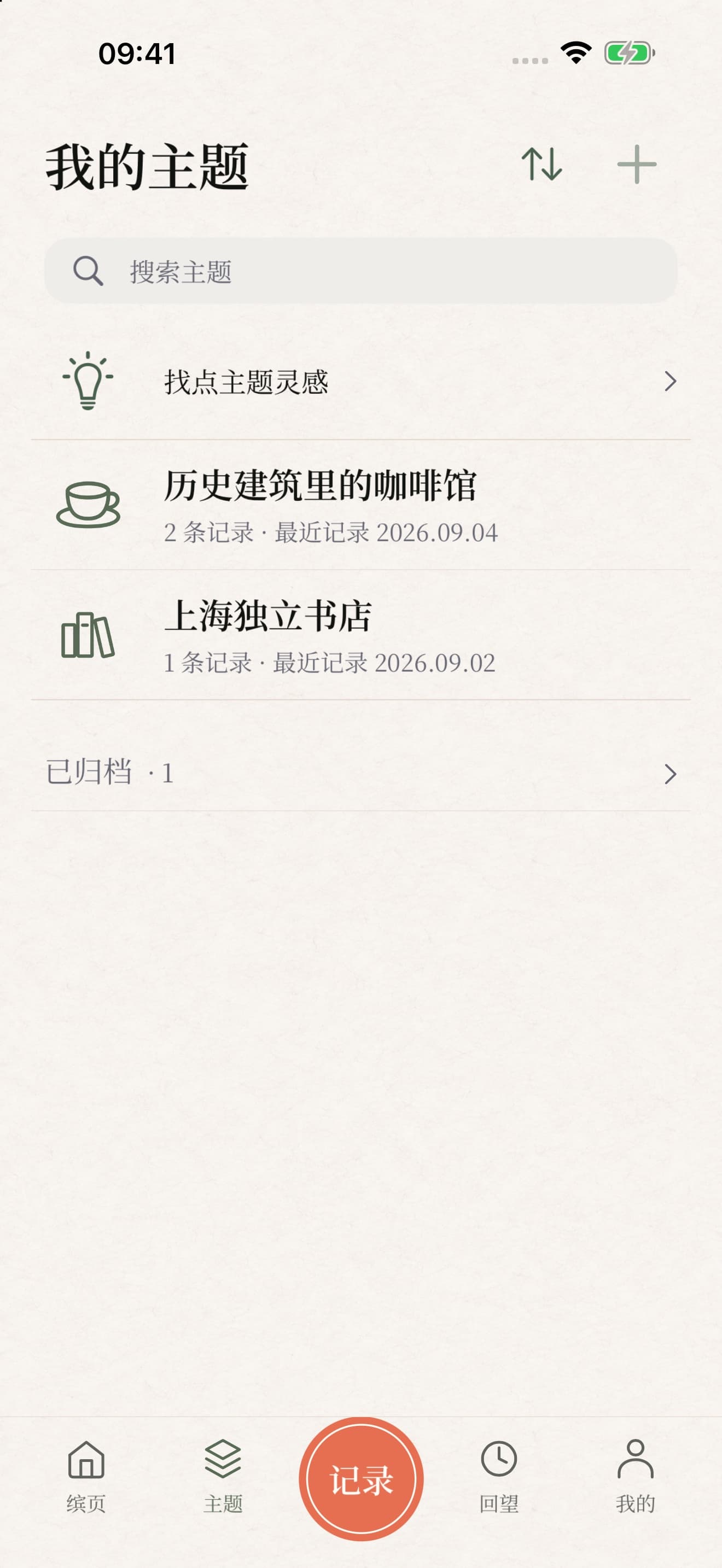
02 / FOLLOW WHAT YOU LOVE
Everyday outfits, breakfast, reading, weekends with family. Any part of life you care about can become a theme.
Give it a name, an icon and an optional introduction. A record can belong to several themes or stand on its own. Follow a theme’s timeline to see moments connect across ordinary days.
Start with a theme, or record first and connect it later.
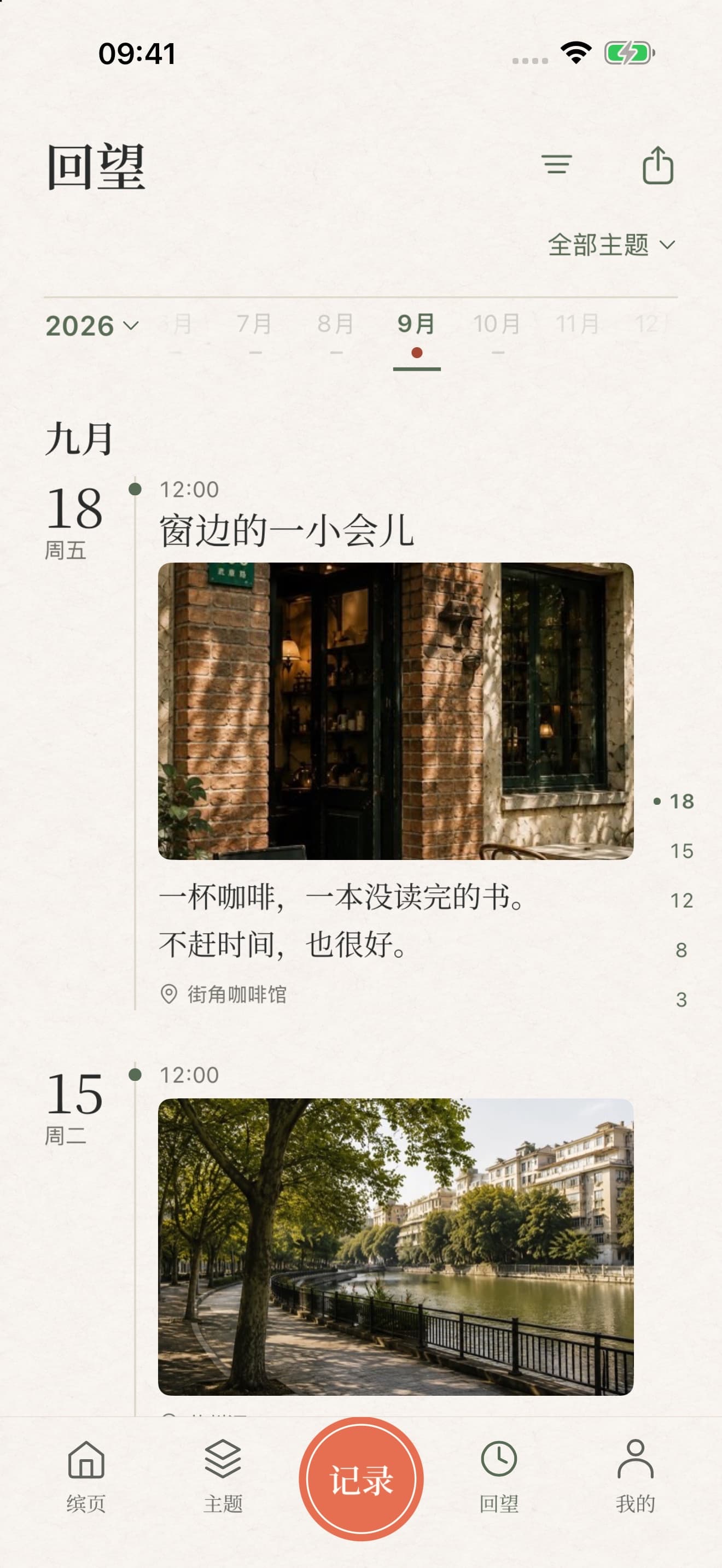
03 / FIND YOUR WAY BACK
Browse Recall by year, month and timeline, or return to a theme to find the moments you kept along the way.
Photos, words and time-only records all have a place. Add a location when it helps tell the story, or leave it out entirely.
Optional photo and stay clues can help you remember today. Only your selection and confirmation create a record.
04 / MAKE SOMETHING TO KEEP
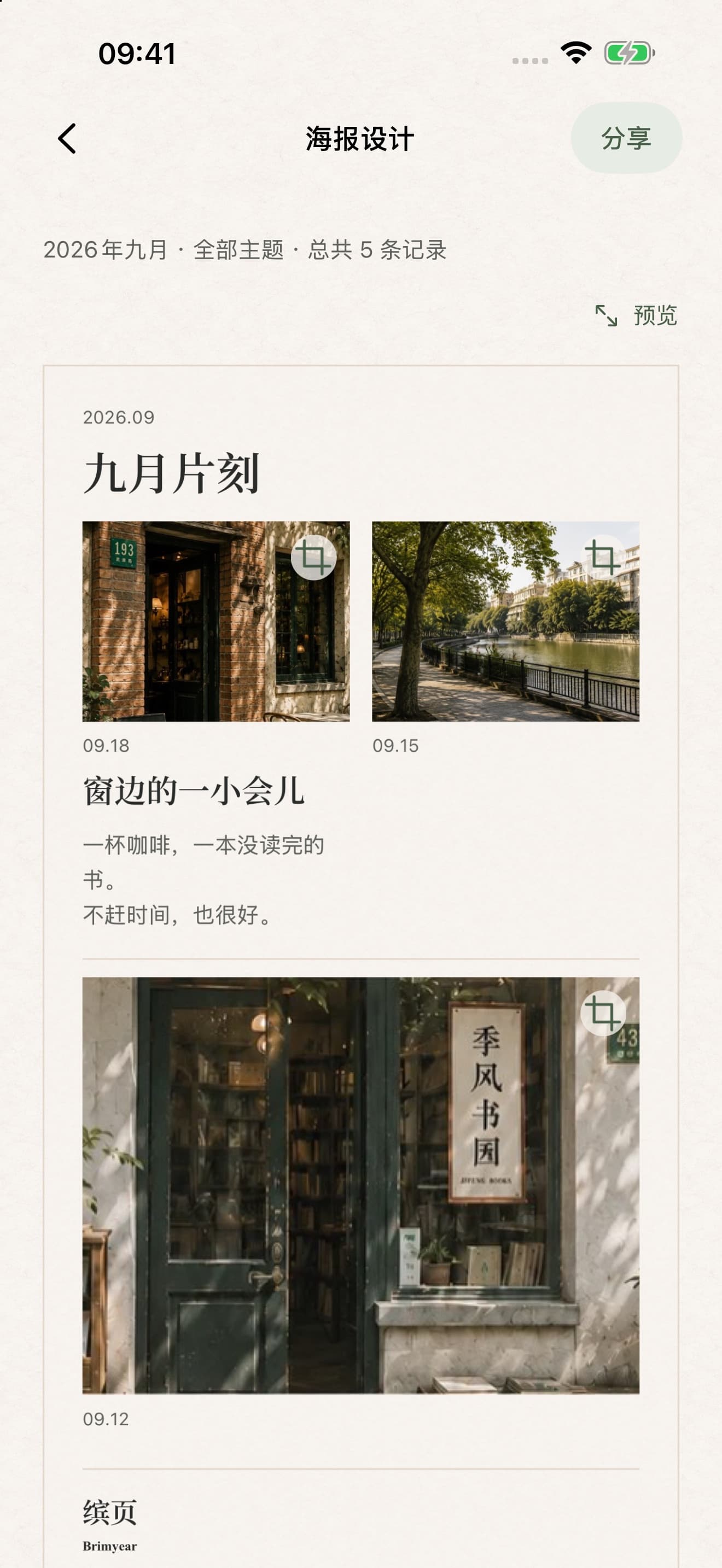
Make a poster from one record, a Recall month or the month shown in a theme. Choose 1–9 records to bring together.
Arrange and crop photos, edit text and layout, and choose which dates and places to show. Writing-only records can be shared too.
Preview first. You decide whether to send it. Records are never published automatically.
LIKE OPENING A FAVORITE NOTEBOOK
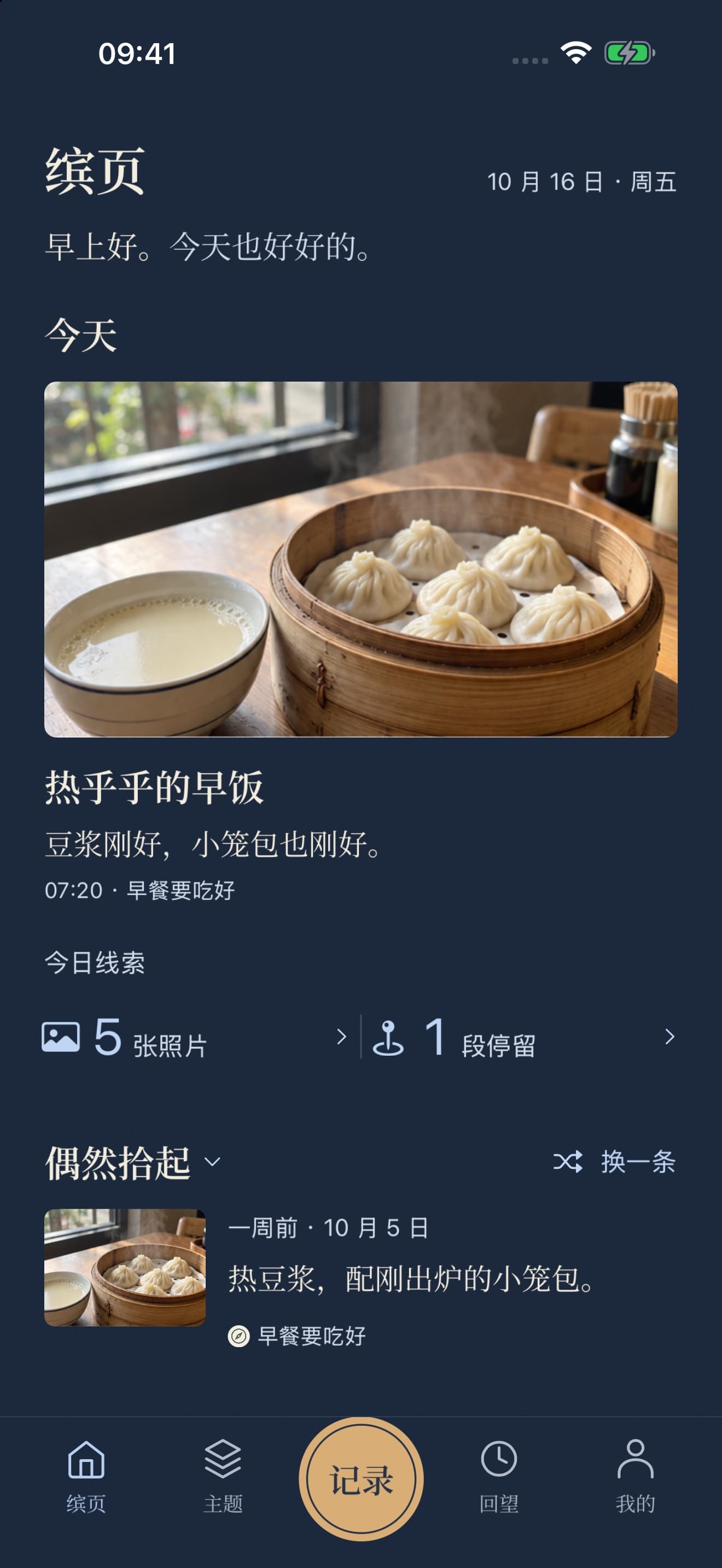
Warm paper and quiet typography give your photos and words room to breathe. Choose a dark appearance, or follow the system, and settle into colors that feel comfortable.
Your memories, in a look that feels like you.
YOUR RECORDS, IN YOUR HANDS
Records and photos are saved on your device. Content stored locally can be viewed offline. With iCloud enabled and the same Apple Account, records can sync between your devices when the network and service are available.
Export a backup of content saved on this device, with an offline reader. Imports are checked and previewed before you confirm a merge. Backups contain private writing and original photos, so keep them somewhere you trust.
No separate app account is required. You can record without photos or location. Automatic location attachment and stay clues are off by default. Generated posters omit hidden source-photo metadata; separately exported originals retain their existing information.
Brimyear
Let everyday moments become your pages.
App screens were captured from a development build on October 18, 2026, using fictional records and project sample imagery. The app interface is currently in Simplified Chinese. Screens do not show real user data.